Excalibur View features
Everything in the box
The whole desktop app is free for one person. Office adds the server that lets an office share drawings, markups and one tool chest.
Download free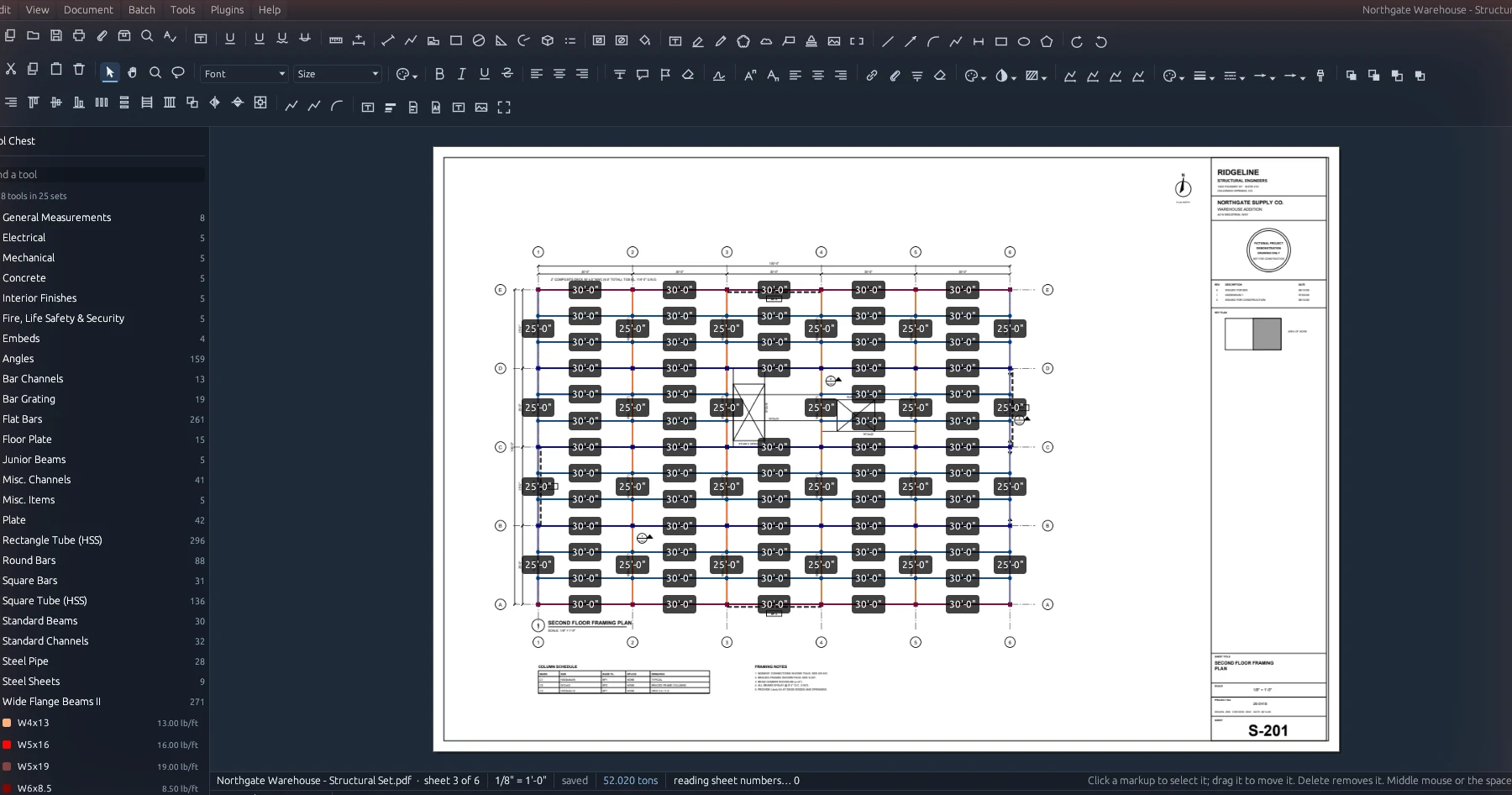
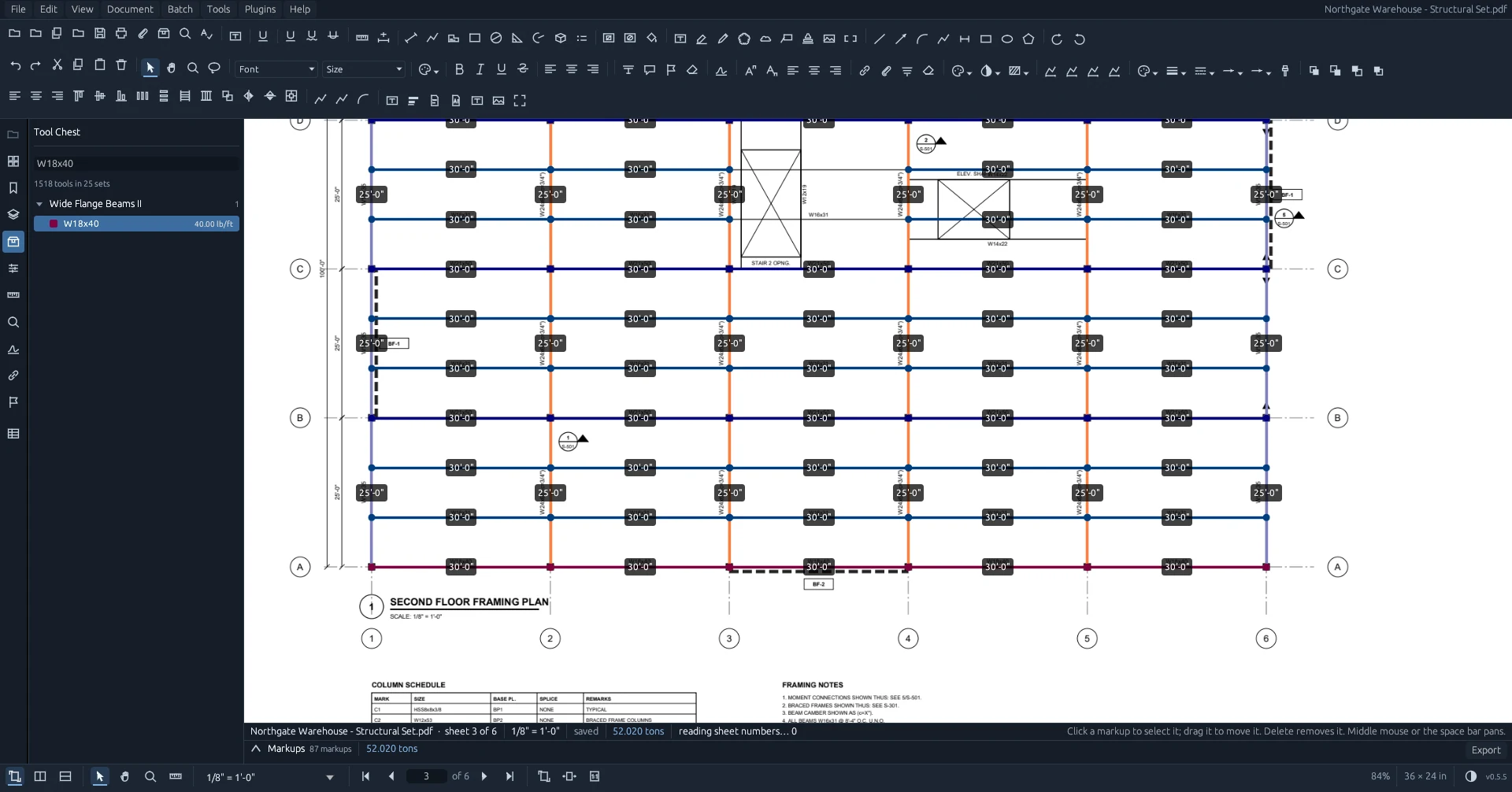
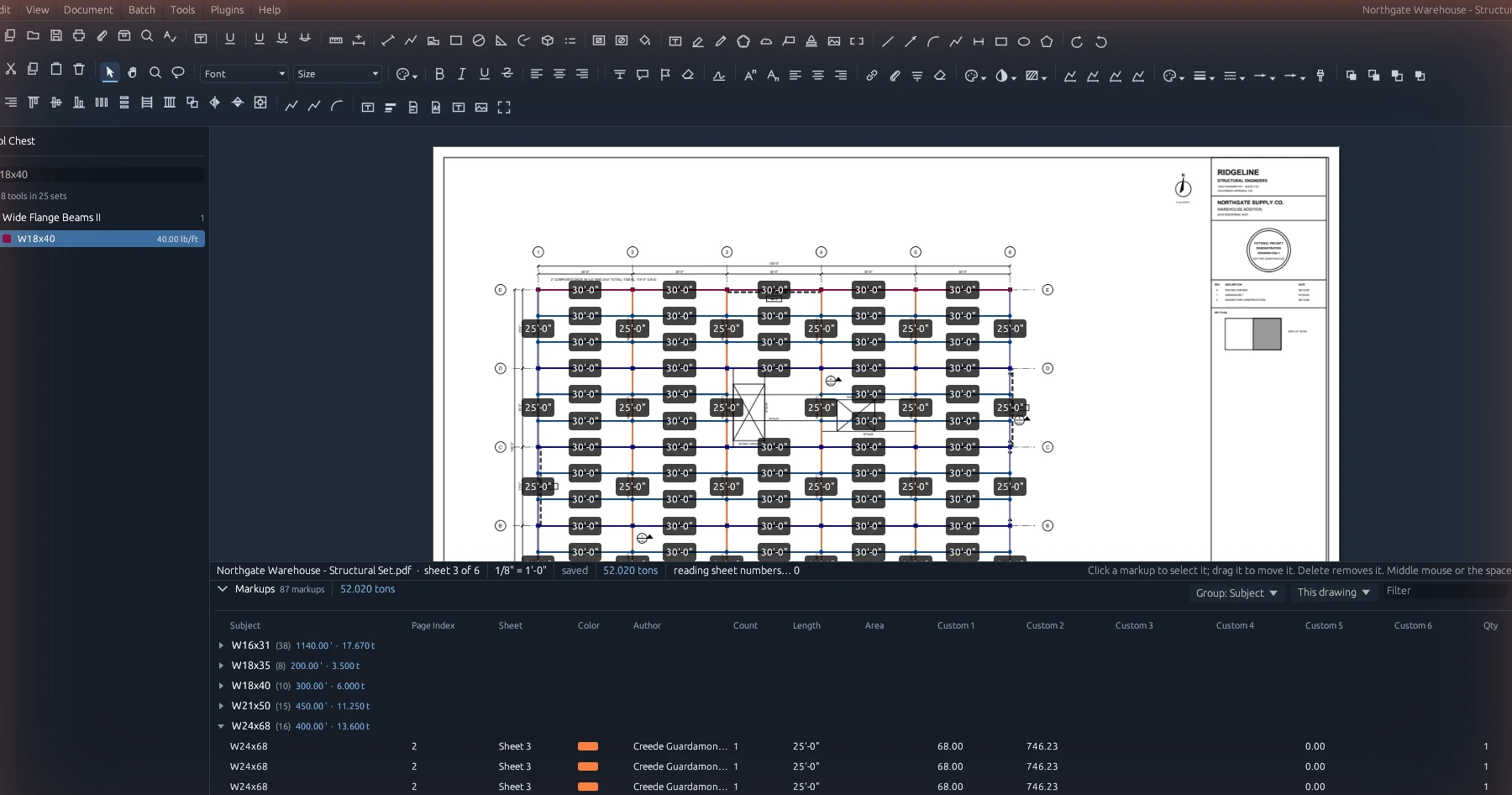
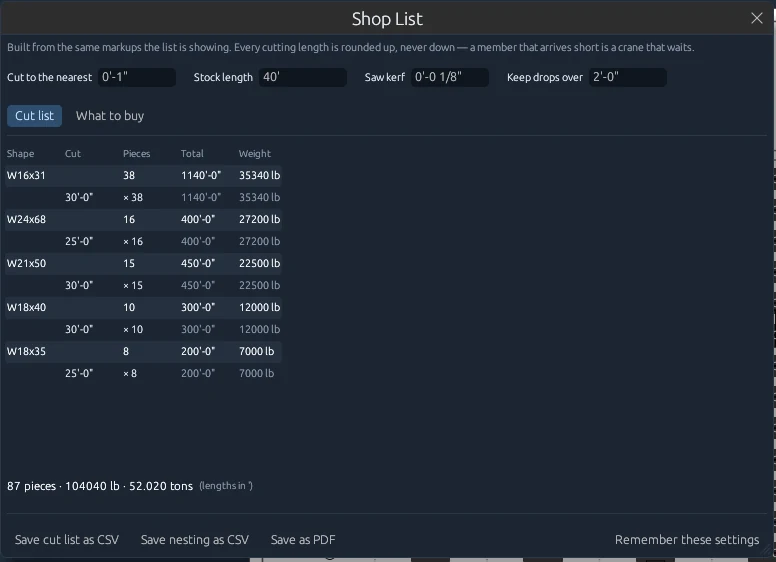
Screenshots from Excalibur View 0.5.5 on a fictional demonstration drawing set.
Measurement and takeoff
Built on one rule: every quantity traces back to a click or a confirmation.
- Length, polylength, area, perimeter, diameter, radius, angle, volume and count
- Area and ellipse cutouts
- Dynamic Fill: finds a bounded area from the drawing's own lines
- Calibrate a scale, or pick it from a list per sheet
- Snapping to line ends, intersections, circle centers and midpoints
- Ctrl turns snapping off while held; Shift squares a line up
- Quantity on any measurement (×6)
- Slope on a length, stored in the PDF with the markup
- Tool chests from .bpx profiles and .btx tool sets
- Custom columns and formula columns, like LBS per FT
- Sheets without a scale are reported and left out of totals
- Grid location on every markup, read from the grid bubbles
Reports
All of them use the same markups the list is showing, so the numbers always agree.
- Markups list grouped by subject, sheet, label, type, author, status, color or drawing
- Export to Excel (numbers as numbers, with a Summary sheet), CSV, PDF, XML, HTML and JSON
- Shop List: cut list rounded up, weighed from your chest
- Nesting into your stock length with saw kerf and a keep-drops setting
- What to buy, and which drops go to the rack
- Counted Twice?: overlapping markups that measure the same thing
- Revision Cost: what moved between two issues and what it's worth
- Grid locations on the cut list
Markup
The markup tools you use every day, saved in the PDF in a standard form other PDF programs can read.
- Text box, callout, highlight and pen
- Cloud and Cloud+ (drag out a box to draw a revision cloud)
- Line, arrow, arc, polyline and dimension
- Rectangle, ellipse and polygon
- Stamps, images and snapshots
- Move, copy, arrange, align and style markups
- Opens markups made in other PDF programs
- Tabs for several drawings; drag a PDF onto the window
- Thumbnails, bookmarks, layers and search
- Print dialog with vector output and markups included
Document and batch tools
Under the Document and Batch menus.
- Combine, split and extract pages
- Insert, delete, rotate and crop pages
- Slip sheet a revised set into the old one
- Number pages and create page labels
- Headers and footers
- Compare documents and overlay pages
- OCR for scanned drawings
- Security, redaction and applying redactions
- Flatten and unflatten markups
- Reduce file size and repair a damaged PDF
- Stamps, signatures and seals
- Batch versions of the document operations
Excalibur View Office
The server runs on your own computer. Everything the desktop does goes through a documented API on it.
- Shared projects and drawing sets
- Live markups: another person's markup appears within seconds
- One tool chest shared from the server to every seat
- Reissued sets supersede the old ones and carry the takeoff forward, flagged for checking
- Office plugins: signed, sealed off, and only in your office
- User accounts and a join code
- The office decides when seats update, and can hold every seat on one version
- Documented API (OpenAPI) for estimating software or an ERP
- Runs as a Windows service, including on Server Core
- Firewall opened to your office network only
- One data folder to back up
- Links like hyperview://open that open a set at a sheet
Performance and deployment
- Sheets drawn in parallel, and the next pages loaded ahead of you
- Windows 10 and 11, and Windows Server 2016 through 2025
- Works over Remote Desktop, with a separate copy and settings per person
- No graphics card required
- Installs per user with no administrator and no PowerShell
- Signed updates, checked on every seat before they install
- Updates install the next time the app opens, never mid-takeoff
- A built-in benchmark that writes frame and tile times to a file
See it on your own drawings
Free for one person. Office is free for 30 days.